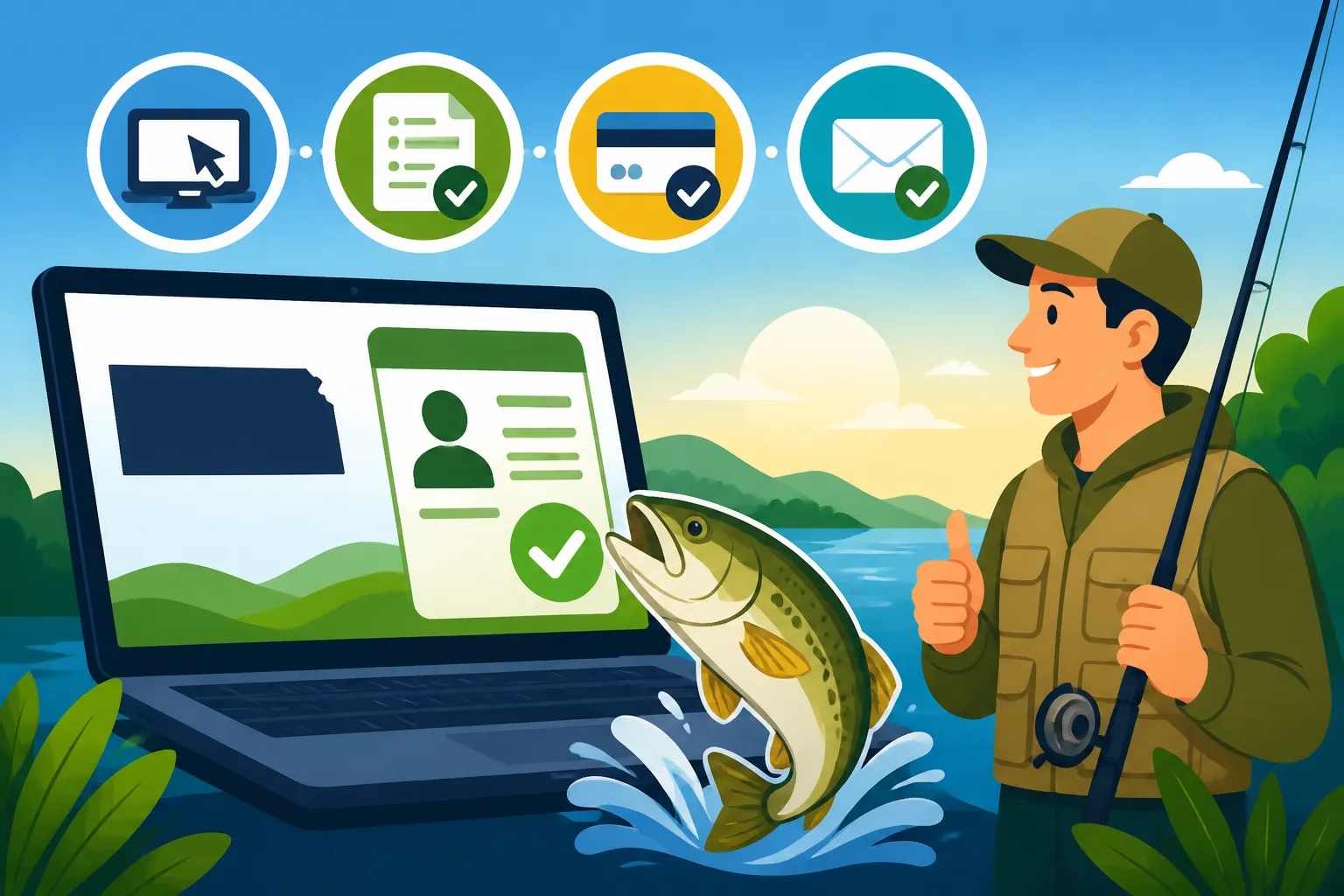
Steps to Renew a Kansas Fishing License Online
It’s that time of year again, isn't it? You’re scrolling through your phone, maybe daydreaming about casting a line on Milford Lake or the Kansas River, and then it hits you: Is your Kansas fishing license still valid? Many of us have faced that sudden panic, wondering if we need to rush to a vendor or, worse, if we’ve already been fishing without one. This guide will walk you through the surprisingly simple steps to renew your Kansas fishing license online, ensuring you're legally ready for your next adventure without any last-minute stress.
The Ease and Benefits of Online License Renewal
Let's be real, life in Kansas is busy. Between work, family, and everything else, trying to remember when your fishing license expires and then finding the time to drive to a vendor can feel like another chore on an already overflowing plate. That's where online renewal truly shines. It's designed to make your life easier, giving you more time to actually fish instead of dealing with bureaucracy.
Ditching the Drive: The Ultimate Convenience Factor
Think about it: no more driving across town, searching for a Kansas Department of Wildlife and Parks (KDWP) office, or hoping the local bait shop isn't too busy. With online renewal, your "office" can be your living room, your kitchen table, or even your favorite coffee shop – as long as you have an internet connection. This convenience means you can renew your license early in the morning, late at night, or during a quick lunch break. It truly fits into your schedule, not the other way around. It’s perfect for those of us who plan our fishing trips last minute or just realized their license expired a week ago! If you're wondering about all the options, our comprehensive Kansas Fishing License Guide can clarify which one is right for you.
Instant Gratification: Proof in Your Hands (or Phone)
One of the biggest perks of renewing your license online is the immediate proof of purchase. As soon as your transaction is complete, you'll receive a confirmation, often with a printable copy of your new license. No waiting for mail, no worrying if it got lost in transit. You can print it out and stash it in your tackle box, or better yet, simply save the digital version to your smartphone. The KDWP understands that technology is part of our everyday lives, and having your license on your phone is perfectly acceptable in most cases. You can even check out our guide on Can You Show a Digital Fishing License in Kansas? for more details on this. This instant access means you can go from "Oh no, my license!" to "Let's go fishing!" in a matter of minutes.
Your Step-by-Step Guide to Online Renewal
Navigating government websites can sometimes feel like trying to untangle a particularly nasty fishing knot, but I promise you, the KDWP has made the online renewal process fairly straightforward. We're going to break it down piece by piece, so you know exactly what to expect.
Step 1: Head to the Official KDWP Website
This is crucial: always go directly to the official Kansas Department of Wildlife and Parks (KDWP) website. You'll want to look for ksoutdoors.com. Be wary of third-party sites that might pop up in search results; while some might be legitimate retailers, going directly to the KDWP ensures you're getting the official license at the correct price and that your information is secure. You wouldn't want to accidentally pay more or, worse, get a fake license! If you're ever curious about other places to buy, our article on Where to Buy a Kansas Fishing License has more info.
Step 2: Locate the License Portal and Log In
Once on the KDWP site, look for a section related to "Licenses & Permits" or specifically "Buy/Renew Licenses." This will lead you to the online portal.
- Existing Account Holders: If you've purchased a license online before, you'll have an existing account. You'll typically need your customer ID (often your driver's license number or a KDWP-issued number) and your date of birth.
- First-Timers or Forgot Login: If this is your first time renewing online, or you've simply forgotten your login details (we've all been there!), there will be options to retrieve your customer ID or reset your password. They often use your driver's license number, social security number, or other identifying information to pull up your existing profile. Don't worry, the system is designed to help you out if you're a bit forgetful!
Step 3: Verify Your Personal Information
After logging in, the system will usually display your current personal information: name, address, phone number, and email. Take a moment to review this carefully. It's important that all your details are accurate and up-to-date. If you've moved, changed your phone number, or your email, now's the time to update it. Accurate information ensures that any official communications or future license reminders reach you without a hitch.
Step 4: Select Your Desired License Type
This is where you choose which fishing license you want to renew. Kansas offers a variety of options to suit different anglers.
- Annual Fishing License: This is the most common choice for resident anglers. It covers you for a full year.
- Multi-Year License: Kansas offers a fantastic option for a Kansas Five-Year Fishing License Savings. This is a great way to save a little money and avoid the annual renewal hassle for several years.
- Combination Hunt/Fish License: If you're also a hunter, you might consider renewing your Kansas Combination Hunt-Fish License at the same time for convenience.
- Specialty Licenses: Don't forget any additional permits you might need! For instance, if you plan on targeting trout in designated waters during the winter season, you'll need a Kansas Trout Permit Guide in addition to your regular fishing license. Likewise, if you're a senior, there are often Kansas Senior Fishing License Discounts available that you'll want to select. Non-residents have their own set of options, which you can explore in the Kansas Nonresident Fishing License Guide.
The system will clearly list the available licenses and their associated costs. Double-check your selections to make sure you're getting exactly what you need for the upcoming fishing season.
| License Type | Typical Duration | Who It's For | Key Benefit |
|---|---|---|---|
| Resident Annual Fishing | 1 Year | Most Kansas residents 16-64 | Standard, comprehensive fishing access |
| Resident 5-Year Fishing | 5 Years | Kansas residents 16-64 looking for long-term | Cost savings, infrequent renewal needed |
| Resident Senior Fishing | 1 Year or 5 Years | Kansas residents 65+ | Reduced cost, often lifetime options |
| Nonresident Annual Fishing | 1 Year | Visitors to Kansas | Full fishing access for out-of-state anglers |
| Nonresident 5-Day Fishing | 5 Consecutive Days | Short-term visitors | Flexible for brief fishing trips |
| Trout Permit | Season | All anglers (in addition to fishing license) | Required for designated trout waters |
Note: Costs and specific age requirements can vary. Always check the official KDWP website for the most current information.
Step 5: Process Your Payment
Once you've made your selections, you'll proceed to the payment section. The KDWP online portal typically accepts major credit and debit cards (Visa, MasterCard, Discover, American Express).
- Enter Details Securely: You'll input your card number, expiration date, and security code just like any other online purchase. The KDWP uses secure encryption to protect your financial information, so you can renew with confidence.
- Review and Confirm: Before hitting the final "submit" button, take one last look at your order summary, including the total cost. This helps prevent any accidental purchases or overlooked permits.
Step 6: Receive Confirmation and Your Digital License
As soon as your payment is processed, you'll land on a confirmation page. This page usually provides:
- Transaction ID: Keep this handy in case you need to reference your purchase later.
- Printable License: There will be an option to view and print your temporary or official license. Print a copy for your tackle box or wallet.
- Email Confirmation: The KDWP will also send an email to the address on file, containing your license details and often a link to download a digital copy. Save this email!
Some anglers like to keep a physical copy, but saving the PDF to your phone's files or even taking a screenshot means you'll always have it, especially if you happen to pick up a new fishing hat or tackle box from Amazon before your next trip. Having it readily available on your device is a modern convenience that the KDWP supports.
Common Hurdles and How to Overcome Them
Even with the smoothest systems, technology can sometimes throw a curveball. Don's let these minor snags deter you from the convenience of online renewal.
Technical Glitches and Browser Troubles
Sometimes, the internet connection drops, the website is slow, or your browser just isn't cooperating. It happens!
- Check Your Connection: First, ensure your internet connection is stable. A weak signal can cause timeouts.
- Try a Different Browser: If you're having issues with one browser (e.g., Chrome), try another (e.g., Firefox, Edge). Sometimes browser settings or extensions can interfere.
- Clear Cache/Cookies: Clearing your browser's cache and cookies can often resolve minor website display or functionality issues.
- Wait and Try Again: If the KDWP site seems to be experiencing high traffic or maintenance, take a short break and try again later. It's rare, but sometimes government sites have brief downtimes.
The Dreaded Forgotten Login Details
It’s easy to forget a password you only use once a year, right? Don't panic.
- "Forgot Password" / "Forgot Customer ID" Options: The KDWP portal has clear links for retrieving your customer ID or resetting your password. You'll usually need to provide your date of birth, driver's license number, or the email address associated with your account.
- Contact KDWP Directly: If you're truly stuck after trying the automated options, don't hesitate to contact the KDWP licensing division directly. Their customer service team is there to help and can often assist you in retrieving your information or processing your renewal over the phone. You can find their contact information on the official KDWP website.
Confusion Over License Types or Exemptions
Kansas has a good number of different license types, and it can be a bit confusing to remember exactly what you need.
- Review the KDWP FAQ: The KDWP website has extensive FAQs that cover various license types, including those for different age groups (like Fishing License Age Requirements in Kansas or Do Seniors Need a Fishing License in Kansas?), residency rules, and special circumstances.
- Understand Exemptions: Not everyone needs a license! For example, those under 16 generally don't, and landowners fishing on their own property might be exempt under certain conditions. Our guide on Kansas Fishing License Exemptions dives deep into these specifics. Make sure you're not paying for something you don't need!
- Call for Clarity: If you're genuinely unsure about which license or permit applies to your situation, a quick call to the KDWP can clear things up before you make your purchase. It's always better to be certain than to risk fishing without the proper credentials.
Payment Processing Problems
A declined card can be frustrating, especially when you're almost done.
- Double-Check Information: First, ensure you've entered all your credit card details (number, expiration date, CVV) correctly.
- Contact Your Bank: If the details are correct and the payment still fails, it's often an issue with your bank flagging the transaction as unusual, especially if it's an online purchase you don't make often. Call your bank or credit card company to authorize the payment.
- Try a Different Card: If you have another card, you can try that as an alternative.
Remember, patience and a methodical approach will get you through any bumps in the road. And hey, while you're dealing with the tech, maybe search for a new waterproof phone case on Amazon to keep your digital license safe on the water!
Beyond the Basics: What Else to Consider
Renewing your basic fishing license is a great start, but Kansas offers a wealth of fishing opportunities that sometimes require an extra step or two. Thinking ahead can save you time and ensure you're fully prepared for whatever angling adventure you choose.
Additional Permits You Might Need
Many anglers focus solely on their general fishing license, but depending on where and what you plan to fish, you might need extra permits.
- Trout Permits: If you're like me and love the thrill of winter trout fishing, remember that a Kansas Trout Permit Guide is mandatory for all anglers, regardless of age, when fishing in designated trout waters during the active season. This is in addition to your general fishing license. These permits help fund the stocking programs that bring those beautiful rainbow trout to our state's waters.
- State Park Vehicle Permits: While your fishing license covers the act of fishing, many of Kansas's prime fishing spots are located within State Parks. Accessing these parks often requires a Kansas State Park vehicle permit, especially if you're driving in. Our article on Kansas State Park Fishing Permit Rules can give you the lowdown on when these are needed and how to acquire them. Don't let a forgotten vehicle permit spoil your day before you even get to the water!
When to Renew Your License
Knowing when to renew is just as important as knowing how. Most annual Kansas fishing licenses expire on December 31st of the year they were issued, regardless of when you purchased them. This means if you bought your license in July, it still expires at the end of December.
- Annual Expiration: Keep in mind that a When a Kansas Annual Fishing License Expires on a fixed date. This consistent expiration date makes it easier to remember, but it also means you might want to renew around late November or early December to ensure continuous coverage for the new year.
- Multi-Year Advantage: If you opt for a 5-year license, you won't have to worry about this annual cutoff for quite a while, which is a huge plus for set-it-and-forget-it anglers.
- Early Bird: You can often renew your license a few weeks before the new year, ensuring you're good to go for January 1st. Many anglers use the quieter winter months to get all their permits in order before the spring fishing frenzy begins. It’s also a good time to visit Amazon and pick up any new fishing lures or line you might need for the upcoming season!
Understanding Digital Versus Physical Proof
As we mentioned, the KDWP is pretty forward-thinking when it comes to proof of license. Showing your license on your phone is usually acceptable, which is a major convenience. However, it's always smart to have a backup plan.
- Charged Phone: Ensure your phone is always charged when you're out fishing. A dead battery means no digital license!
- Screenshot: Taking a screenshot of your digital license is a good safety net, as it doesn't require an active internet connection to display.
- Print a Copy: For ultimate peace of mind, print out a physical copy and keep it in a waterproof bag in your tackle box or boat. This protects you against phone loss, damage, or dead batteries. Plus, it's always good to have a paper trail.
Renewing your Kansas fishing license online is truly the easiest and most efficient way to ensure you're ready for your next big catch. So go ahead, get it done, and then get back to planning your next fishing adventure!
Disclaimer
Please note that fishing regulations, license costs, and renewal procedures can change. Always refer to the official Kansas Department of Wildlife and Parks (KDWP) website or contact them directly for the most current and accurate information before planning your fishing trips or making any purchases. This guide is for informational purposes only and should not be considered legal advice.